Warehouse Technology Types of WMS and Their Pros & Cons
Compare the main types of WMS, their pros and cons, and the key factors to consider when choosing the right system for your warehouse.
Table of Contents
SHARE ON SOCIAL MEDIA


Different warehouse management systems (WMS) are available in the market to meet the diverse needs of warehouses. However, choosing the right one for your business can be challenging if the differences are unclear. Therefore, understanding the different types of WMS and their pros and cons is essential to making an informed decision.
In this article, we’ll discuss three types of warehouse management systems, their pros and cons, and how to determine which system is best for your business. But first, let’s understand what a WMS is.
What is a Warehouse Management System (WMS)?
A warehouse management system (WMS) is a software application that helps businesses monitor and control their warehouse operations and processes. It offers real-time visibility into their entire inventory and allows them to process cargo, orders, tasks, and more.
There are three types of warehouse management systems. Let’s discuss each one.

3 Types of WMS
1. Standalone Warehouse Management System
A standalone WMS enables businesses to manage warehouse operations efficiently, such as receiving, putaway, picking, packing, shipping, etc. While standalone WMS can vary from provider to provider, they will provide core features such as inventory management.
Pros
- Most Warehouse Operational Features: A standalone WMS often provides the most features related to warehouse operations compared to a WMS module in a supply chain management or ERP system. This is because standalone WMS developers can focus on creating features for warehouse operations rather than the whole business.
- Easier to Use: A standalone WMS handles only warehousing operations, making it less complex than a WMS module in a supply chain management or ERP system.
- Integrates with Existing Systems: The WMS can connect with your ERP, supply chain management, and other business systems.
Cons
- Limited to Warehouse Operations Features: It lacks other features usually found in warehouse management systems, such as broader supply chain functions, accounting, procurement, etc.
- Limited Access to Data Outside Warehouse Operations: It is usually unable to access data outside warehouse operations that a supply chain management system or an ERP with a WMS module can.
Who is It For?
A standalone WMS is ideal for businesses looking for a solution to control their warehouse operations only. Usually, they are businesses looking to grow or companies with an existing ERP or supply chain management system without WMS functionalities. With a standalone WMS, they can automate some of their warehouse functions and evolve from total manual operations. It is also a perfect choice for companies using Excel spreadsheets to keep track of their inventory and warehouse operations and want to scale their operations.
2. WMS Module in a Supply Chain Management Software
A WMS within a supply chain management software is a module within a bigger system that manages your supply chain operations. The system handles all supply chain aspects of creating and delivering a product, such as sourcing, manufacturing, transportation, warehousing, etc.
Pros
- Access to Supply Chain Data: Supply chain data enables businesses to make better-informed warehouse operational decisions, such as stocking the right amount of inventory.
- More Robust Than a WMS Module in an ERP System: A warehouse management module in supply chain software typically has more features than a WMS module in an ERP system.
Cons
- Fewer Features Than a Standalone WMS: A WMS module within a supply chain management system generally has fewer features than a standalone WMS because it covers more than warehousing.
- Costlier to Implement: Since a supply chain management system with a WMS module handles more than warehousing, it is usually costlier and more time-intensive to implement in a business.
- More Complex: A supply chain management system with a WMS module may be more challenging to understand and use compared to a standalone WMS because it has broader supply chain features.
Who is It For?
A WMS module within a supply chain management system is suited for businesses that must systemize their warehouse operations and orchestrate their supply chain. If you only need to systemize warehousing, this software contains unneeded features, leading to higher costs as you pay for features you don’t need. But suppose you want to orchestrate your supply chain and warehousing operations in one application. In that case, a WMS module in supply chain management software fits your company.

3. WMS Module in an ERP System
Like the second type of WMS discussed in this article, a WMS within an ERP is a module within a bigger system that manages day-to-day business activities. These include supply chain, warehousing, accounting, procurement, human resources, etc.
Pros
- Access to Entire Business Data: A WMS module within an ERP can access your entire business data, allowing for better-informed decisions than a standalone WMS and WMS module within a supply chain management system.
Cons
- Not Suitable for Complex Warehousing Operations: Most ERP systems with a WMS module can only handle primary warehouse and distribution functionalities since warehouse management is a minor focus for the entire ERP.
- Costliest to Implement: Even more so than a supply chain management system, an ERP with a WMS module is the costliest to implement. This is due to the number of departments and processes it needs to systemize and integrate into the system.
- Steep Learning Curve: This warehouse management system usually has a steeper learning curve as it is bundled with an extensive system that controls your entire business.
Who is It For?
A WMS module within an ERP system is ideal for businesses with simple warehousing operations looking to manage their whole business operations in one system. A standalone WMS is a better fit for you if you are looking to systemize your warehouse only or have complex warehouse processes.
Bonus: Cloud-Based Warehouse Management System
Other sources often describe a cloud-based WMS as a fourth type of WMS. In reality, it is not comparable to the types of WMS discussed previously in this article since all of them can be cloud-based WMS.
Cloud-based WMS is a warehouse software infrastructure that runs on cloud servers instead of on-site servers. It does not require on-site installation and management, so you can reduce the cost of maintaining your WMS. Since it is cloud-based, you can access it from anywhere through a browser and an internet connection. It is also more reliable since it runs on servers with redundancy.
How to Choose the Right Type of WMS
Once you understand the main types of WMS, compare each option against your operational, technical, and deployment requirements:
- How complex are your warehouse operations? Consider your number of locations, customers, inventory types, workflows, orders, and reporting needs.
- Which systems must the WMS connect with? Review integration requirements involving ERP, accounting, transportation, e-commerce, customer portals, and other platforms.
- Which capabilities are essential? Separate the features required for daily operations from those that would be useful but are not critical.
- Do you prefer a cloud-based or on-premises system? A cloud WMS can offer browser-based access, easier deployment, automatic updates, and less dependence on on-site infrastructure. An on-premises system may provide greater control over hosting and internal system management.
- How much implementation support will you need? Compare configuration, data migration, training, technical support, and the internal resources required.
- Can the system scale with your operation? Consider whether it can support additional warehouses, customers, users, workflows, and transaction volume.
- What is the total cost of ownership? Look beyond the software price to implementation, integrations, customization, training, maintenance, hosting, and upgrades.
Once you have identified the type of WMS that best fits your operation, use our guide on how to select the best warehouse management system to compare features, integrations, total cost, vendor support, implementation, and potential ROI.
Supply Chain Orchestrator’s Cloud WMS
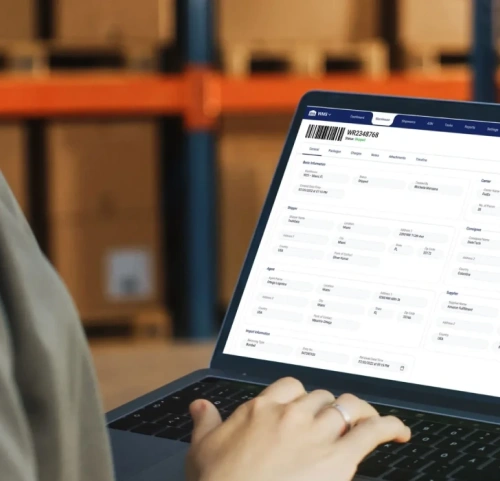
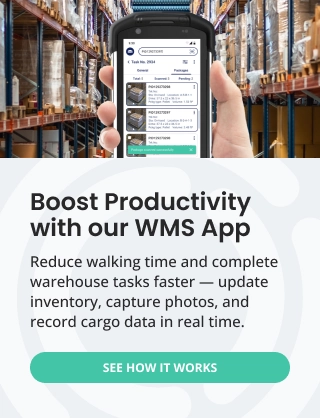
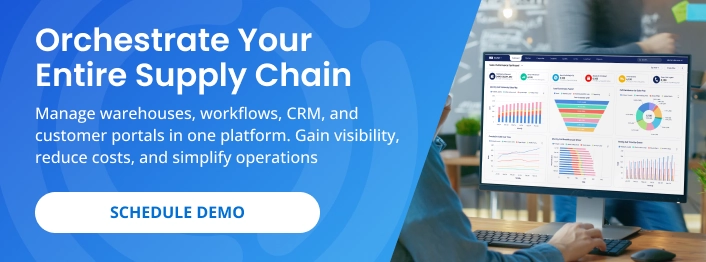
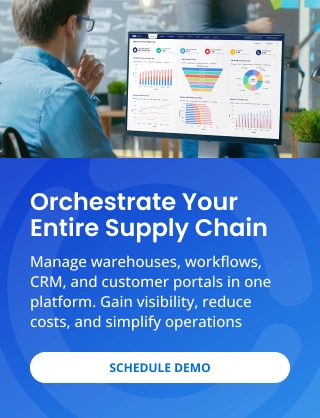
Supply Chain Orchestrator’s Cloud Warehouse Management System is built for 3PLs, freight forwarders, warehouses, and distribution centers that need more than basic inventory tracking. It brings receipts, inventory, packages, orders, tasks, shipments, documents, and reporting together in one cloud-based platform.
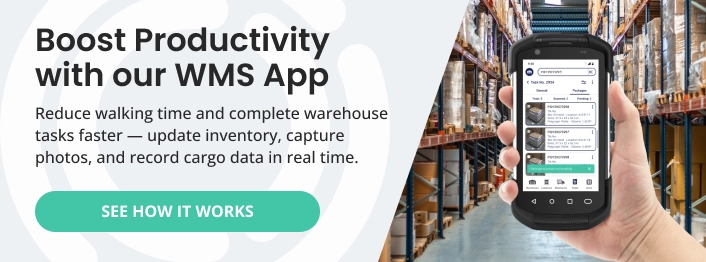
Teams can manage multiple warehouses, automate workflows and notifications, monitor space utilization, scan barcodes, and access warehouse functions through a mobile app. The WMS also connects with Supply Chain Orchestrator modules for WMS mobile app, workflow automation, warehouse dimensioning, customer portal, and supply chain CRM.
For businesses comparing the different types of WMS, this provides focused warehouse functionality with the flexibility to add broader logistics capabilities as operations grow.
Conclusion
The right type of WMS depends on the complexity of your warehouse operations, the systems you need to connect, the capabilities your team requires, and how you plan to scale. Standalone, supply chain management, and ERP-based systems each offer different levels of specialization and business-wide connectivity, while cloud deployment can provide greater accessibility and less dependence on on-site infrastructure.
Ready to determine whether a cloud WMS fits your operation? Schedule a demo to see how Supply Chain Orchestrator can help you centralize warehouse activity, improve operational visibility, automate key processes, and expand your capabilities as your business grows.
For more WMS, logistics software, and warehouse technology insights, follow us on LinkedIn and subscribe to our YouTube channel.
Frequently Asked Questions About the Types of WMS
1. What are the main types of WMS?
The three main types of WMS are standalone warehouse management systems, WMS modules within supply chain management software, and WMS modules within ERP systems. Each type differs in warehouse specialization, access to broader business data, implementation complexity, and cost.
2. Is a cloud WMS a separate type of warehouse management system?
A cloud WMS is primarily a deployment model rather than a separate functional type of WMS. Standalone, supply chain management, and ERP-based warehouse systems can all be hosted in the cloud instead of on local servers.
3. What is the difference between a standalone WMS and an ERP-based WMS?
A standalone WMS focuses specifically on warehouse operations and usually offers deeper warehouse functionality. An ERP-based WMS is part of a broader business system that also manages functions such as accounting, procurement, human resources, and finance.
4. Which type of WMS is best for complex warehouse operations?
A standalone WMS is often better suited to complex warehouse operations because it is designed specifically for receiving, putaway, inventory, picking, packing, shipping, and related workflows. However, the best option also depends on integration needs, operational scale, and required supply chain visibility.
5. How do you choose the right type of WMS?
Choose a WMS by evaluating your warehouse complexity, required features, integrations, deployment preference, scalability, implementation needs, and total cost of ownership. The system should support your current processes without limiting future growth.

Written by
Hector Sunol
Related Blogs

WMS SaaS: Definition, Benefits, and How to Choose the Right One
Learn what WMS SaaS is, why more companies are making the switch, and what to consider when choosing the right system for your warehouse.
Start Reading

How to Select the Best Warehouse Management System
Learn how to select the best warehouse management system by evaluating your operational needs, essential features, vendor support, implementation requirements, and long-term scalability.
Start Reading

Mastering Your Warehouse with WMS Software: A Comprehensive Guide
We all know that a well-run warehouse is essential for any business that deals with physical goods and fulfillment operations. But keeping track of inventory, managing orders, and optimizing workflows can be a real he...
Start Reading